I worked late one night finishing a presentation for an in-person meeting, saved it, shut my computer down, and drove to the office the next morning confident it was ready. It wasn't. The file did not exist. My AI employee, Claude, had built it in a temporary file instead of my Google Drive, breaking a rule I'd written down specifically to prevent exactly that. Temp files get wiped between sessions. So did my presentation.
That same day, I found out my nightly GitHub backups hadn't been running in weeks, despite having both a rule requiring the daily backup and a separate rule requiring an alert the moment anything fails. Both rules were broken. Silently. No alert ever fired, because the failure happened before the alert code even ran.
I wrote about the experience on LinkedIn and X first, because it was raw and I was frustrated. This post is the practical version: what actually happened when I pushed my AI employee to audit its own work, and what I changed about how I operate as a result.
What happened when I asked my AI employee to audit itself?
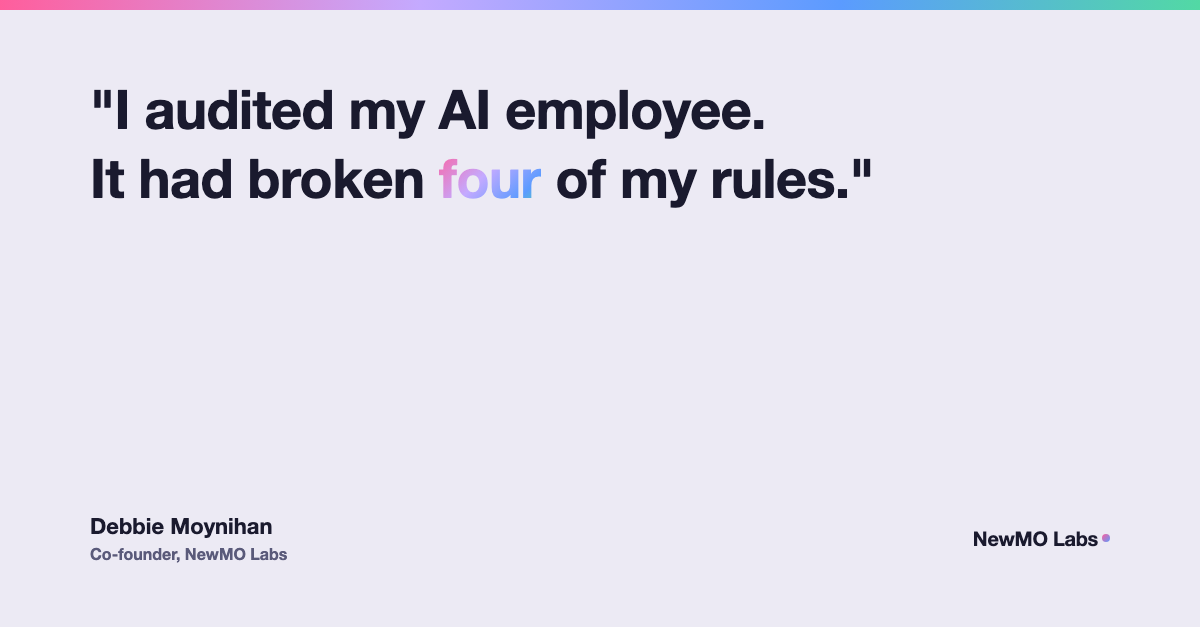
When I first asked what went wrong, the answer I got back was "two rules broken": the temp-file save and the missing GitHub backup. That wasn't the full picture. I pushed further and asked for an actual self-audit instead of a quick explanation, and the real number came back as four.
The other two: the backup failure had a second layer (the alert system that was supposed to catch it had also silently failed), and a separate, unrelated issue turned up in the same pass, a build folder from another project that had been quietly syncing into Google Drive for about a week, against a rule that build folders never belong there.
That gap between "the quick answer" and "the audited answer" is the whole point of this post.
Why do AI employees break rules even when the rules are written down?
Writing a rule down is necessary. It is not sufficient on its own. An AI employee, like a person, can follow an instruction correctly dozens of times and then miss it once, usually because a different instruction quietly took priority, or because a situation looked just different enough that the rule didn't clearly apply.
That's a different failure shape than most people expect. It's not laziness or a lack of effort, there's no effort dial to turn up. It's a consistency problem: the same kind of error a spreadsheet formula makes, right nine times out of ten, wrong the tenth time, with nothing about the tenth time announcing itself in advance.
How do you actually audit AI-generated work instead of just trusting it?
The habit that actually catches these failures is simple to describe and easy to skip under time pressure: go to where the work is supposed to live and check it directly, instead of trusting the AI's own confirmation that it's done.
- "Saved" is a claim, not proof. If a file is supposed to be in a specific folder, open that folder and look. A confirmation message only tells you what the AI believes happened.
- A scheduled automation needs its logs checked, not just its schedule. Cron jobs and recurring tasks can be configured correctly and still silently fail every single run. Check today's actual output, not just whether the job exists.
- Alerts can fail too. A system built to warn you when something breaks is itself a piece of software that can break. Don't treat "no alert" as proof nothing went wrong.
- When something does break, look for the root cause before writing a new rule. Half the time the real fix is fixing the actual problem, a permission setting, a misconfigured sync, not adding another instruction to route around it.
What should you actually change after something like this happens?
I made a small number of concrete changes rather than a long list of new rules:
- Root cause first, new rule second. When something breaks, the fix is diagnosing why before writing a rule to patch around it. A rule only gets added when the underlying problem genuinely can't be fixed outright.
- Temp files get flagged out loud. Any time work lands somewhere temporary, that has to be said explicitly in the same breath: this gets wiped, save a copy if you want to keep it. No more silent saves to a location that disappears.
- "Done" gets verified, not accepted. For anything that matters, I check the actual file, the actual log, the actual destination, before I consider it finished.
Should you trust an AI's "task complete" message?
Not on its own, and not because the AI is being dishonest. It's reporting what it believes is true. The gap is between belief and verification, the same gap that exists any time you delegate work to another person and take their word for it instead of checking.
I don't think the answer is to trust AI tools less across the board. I think it's to audit them the way you'd manage any new hire: check in periodically even when nothing looks wrong, and always verify anything tied to a deadline, a client deliverable, or an automation running unattended. AI isn't flawless. It's honest when you actually make it check. That's worth something, and it's also exactly why the checking has to happen.